Protecting Against Identity Misrepresentation and Theft at the University of Michigan
A Message from One of Our Campus Sponsors

"We encourage all members of the U-M community to exercise caution when conducting business online. If an e-mail looks suspicious, it probably is!"

Officer José Dorta
U-M Department of Public Safety
Officer José Dorta, U-M Department of Public Safety
About this SiteHelp & AdviceSecurity at U-MU-M Gateway
<img src="imyou.gif" width="545" height="70" alt="*click* I'M YOU ... It can happen that fast">
Safe Computing Tip
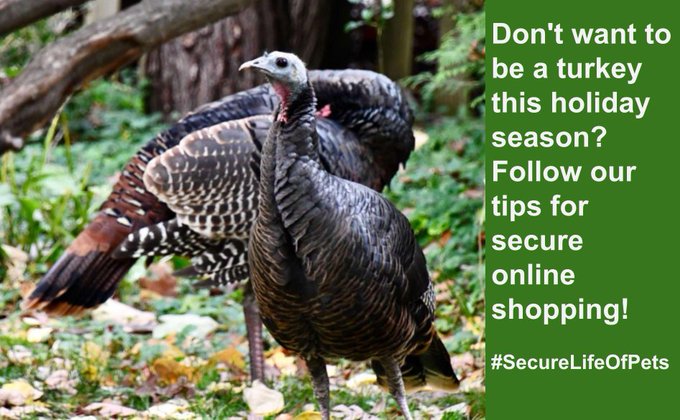
Before placing an order online, look for a closed "lock" icon on the bottom of the page and make sure the address begins with "https". This signifies that encryption software is being used to create a secure transaction.
More Tips

Something for Everyone
Learn how to...
  • Recognize a phishing scam
  • Order a free credit report
  • Manage your personal information
...and more!
Go
Especially for Students
If you live in a residence hall, are the parent of a new student, or are new to the U.S., learn the basics...
Go
Help & Advice
To report an incident, ask a question, or get help resolving a problem...
Go
Campus Bulletin
Phony Financial Institution E-mails Top Our List of Complaints
Read More
"There's Only One You—Keep It That Way"
Protecting Against Identity Misrepresentation and Theft
at the University of Michigan